OpenAI Images 2.6: Sunburst, Flare, SVG and animated GIFs
OpenAI has launched Images 2.6: Sunburst and Flare models, adjustable image planning, SVG and GIF generation, and markup-guided editing. We examine the features and API pricing.
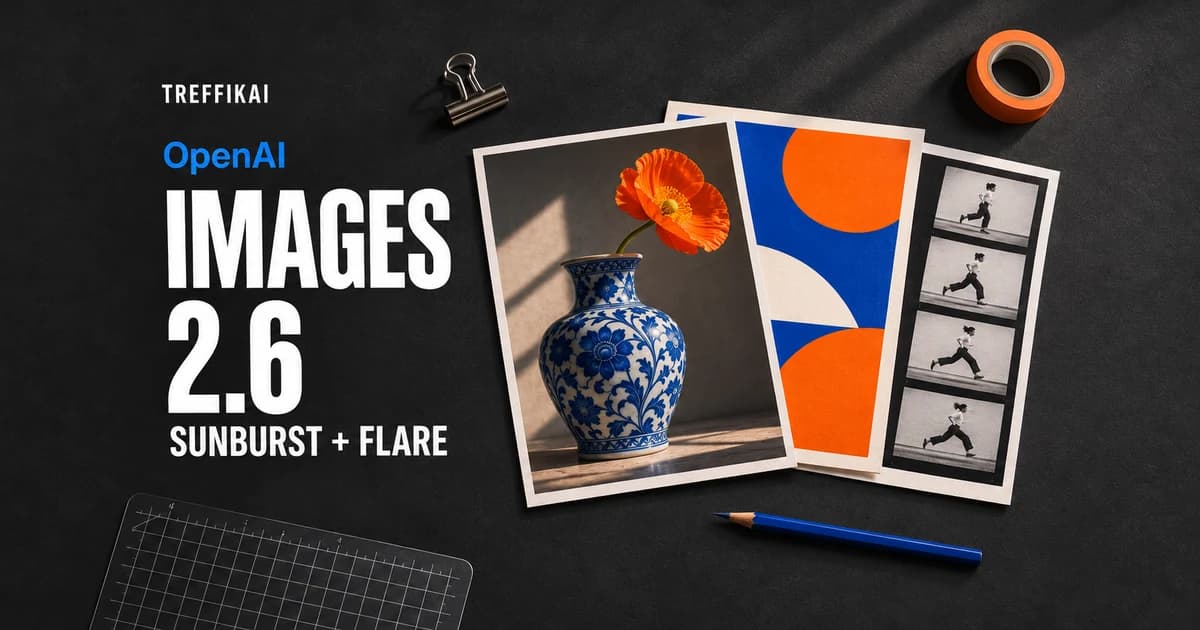
OpenAI announced Images 2.6 on November 4, 2026, introducing the GPT-Image-2.6 Sunburst and GPT-Image-2.6 Flare API models. The official changelog lists adjustable image-planning complexity, SVG and animated GIF generation, and markup-guided editing. That editing feature also covers supported GPT Image 2.5 models.
Following the previously covered ChatGPT Images 2.0 launch, this release adds controls over more stages of visual work: identifying an object to change, then selecting the final output format. For a team producing images, the useful question is how many steps separate a draft from a usable asset.
We checked the documentation and pricing on November 5, 2026. This is an analysis of official information, without independent quality or speed measurements. The cover is an editorial illustration created with AI assistance.
Sunburst and Flare serve different stages of production
OpenAI describes Sunburst as a model for detailed compositions and demanding editing. Flare targets fast iteration and interactive generation and editing workflows.
| Model | API identifier | OpenAI's stated focus |
|---|---|---|
| GPT-Image-2.6 Sunburst | gpt-image-2.6-sunburst | detailed visual work and editing |
| GPT-Image-2.6 Flare | gpt-image-2.6-flare | fast iteration and interactive work |
Both accept text and images and produce images. Their model cards confirm the Image API endpoints POST /v1/images/generations and POST /v1/images/edits. Limits depend on the account. The API launch entry does not establish a new set of ChatGPT subscription entitlements.
Our interpretation: Flare is worth evaluating while exploring a visual direction, with Sunburst a candidate for refining a demanding composition. That is a proposed workflow; model names cannot replace comparing outputs on the same material.
Complexity and quality control different things
According to the image generation guide, complexity controls planning effort before rendering. Its values are low, medium and high; both models default to high. quality controls rendering quality, making it a separate setting.
Higher complexity may help with dense text and difficult layouts, but can also increase latency and introduce unwanted changes. Adjusting complexity has no separate fee.
In practice, change one setting at a time. When the composition is right but a small caption is unreadable, comparing rendering quality is more informative than raising every parameter together. For a focused background edit, check whether more planning freedom actually helps.
Markup-guided editing: point to the object to change
Markup-guided editing accepts an annotation layer identifying where a change should happen. The editing reference describes markup as a transparent PNG matching the first input image's dimensions. It must not be combined with a mask.
An example production task would be to circle a mug in a product photograph, request a different color, preserve the lighting and remove the annotation from the result. This is our suggested use case. After editing, inspect the rest of the photograph too, particularly labels, reflections and product edges.
The input structure matters: keep the original and transparent annotation layer as separate files. Flattening them together would blur the distinction between the photograph and the instruction supplied to the model.
SVG output provides graphics you can edit further
Images 2.6 can generate SVG, a format that describes artwork through vector elements. In the generation specification, this uses output_format: "svg". SVG generation requires n=1 and does not support streaming, partial images or SVG edits.
The potential benefit for a designer is being able to change shapes, colors and proportions afterward. Still, open the result in the intended editor and inspect its path structure. Artwork that looks convincing in a preview may need cleanup before it belongs in an icon system or brand asset library.
Billing covers the reference image and the model authoring the SVG code. The cost documentation separates those components; the image-token rate alone cannot describe the entire bill.
GIF output creates short animations from a prompt
Use output_format: "gif" to request animation. The API reference specifies 2–16 frames, with 9 by default, and a default frame_duration_ms=200. Our calculation: nine frames at 200 ms produce a 1.8-second sequence.
This feature requires access to the GIF preview for the selected model. A parameter appearing in the documentation does not guarantee that every account can use it.
A useful trial would be a short movement within an illustration, with a fixed camera and a clearly specified action. For a loop, the transition from the last frame back to the first matters most. Also check whether the subject retains its shape throughout the motion.
Images 2.6 API pricing: Sunburst versus Flare
OpenAI's price list gives both models the same basic token rates. These are USD per million tokens, excluding cached-input rates:
| Token type | Sunburst 2.6 | Flare 2.6 |
|---|---|---|
| Text input | $5.00 | $5.00 |
| Image input | $8.00 | $8.00 |
| Image output | $30.00 | $30.00 |
Our calculation: 1,000 text input tokens and 1,000 image output tokens cost $0.035, without an input image or additional billing components. This illustrates token accounting, rather than quoting a price for a particular image size.
When choosing a model, measure cost per accepted asset, including attempts, corrections and rejected outputs. An identical price per million tokens does not establish the cost of a finished illustration or a set of variants.
How to start an API comparison
Below is an example request body for POST /v1/images/generations. It is a configuration for a trial, rather than a record of an editorial test:
{
  "model": "gpt-image-2.6-flare",
  "prompt": "A poster showing a blue ceramic mug on a white background. Render exactly once: NEW COLLECTION. Simple layout, clear typography.",
  "size": "1536x1024",
  "quality": "medium",
  "complexity": "medium",
  "output_format": "webp",
  "n": 1
}
OpenAI's prompting guide recommends retaining prompts, references, size, quality and format during migration, then tuning individual settings. For a 2.5 Flare workflow, the starting candidate is 2.6 Flare; the equivalent applies to Sunburst.
A team could begin with three of its own tasks: a poster containing accented characters, a product-photo edit and an illustration intended for further editing. Define success before reviewing outputs: text accuracy, preservation of product identity, time and corrections required. Our guide to writing prompts explains how to make those requirements explicit.
The release will be most useful if its new controls shorten the route to a finished asset. For editors and designers, the repeatability of that entire process will matter more than a single impressive image.