Best AI image generators in 2026
A practical comparison of leading AI image generators for marketing, design, ideation, typography, image editing and repeatable creative workflows.
The best AI image generator is no longer the one that simply creates the prettiest demo image. In 2026, the better question is practical: which tool helps you produce the right visual, revise it quickly and move it into your actual workflow?
AI image generators now support editorial covers, ad concepts, thumbnails, moodboards, product mockups, design drafts, posters and social posts. But the category has split into different strengths. Some tools are better for artistic direction, some for image editing, some for readable text, and some for turning a generated image into a finished marketing asset.
Quick answer
Start with this shortlist:
- ChatGPT Images - best for conversational iteration, edits and quick visual drafts.
- Midjourney - best for polished aesthetics, concept art and strong creative direction.
- Adobe Firefly - best for creative teams already working in a design workflow.
- Canva AI - best when the image needs to become a social post, banner, slide or ad quickly.
- Ideogram - best when the generated image needs readable text or typography.
- Leonardo AI - best for visual consistency, style control and repeatable creative sets.
- Freepik AI - best for generating many variants and working with an asset-heavy production flow.
Free AI image generators are useful for testing. For professional use, check output quality, export limits, privacy, commercial rights and whether the tool lets you revise a result instead of starting from scratch.
How to choose an AI image generator
Before comparing tools, define the final job. A thumbnail for a blog post, a poster with text, a product mockup and a social campaign all need different capabilities.
Use this checklist:
- First-result quality: does the tool understand the scene, style and composition?
- Editing: can you fix a background, object, color or detail?
- Style control: can it keep a similar look across multiple assets?
- Text rendering: can it create readable words inside the image?
- Export quality: is the output good enough for web, ads or print?
- Usage rights: does the plan allow your intended use?
- Workflow fit: can the result move into your CMS, deck, campaign or design file quickly?
ChatGPT Images: best for iteration and edits
ChatGPT Images is strongest when you do not want to get the perfect prompt on the first attempt. You can describe the image, review the result, ask for changes, refine the framing, upload an existing image or request a more specific visual direction.
That makes it useful for article covers, idea sketches, simple illustrations, thumbnails and fast creative exploration. The important advantage is the conversation. Instead of tuning a long panel of settings, you can explain what should change.
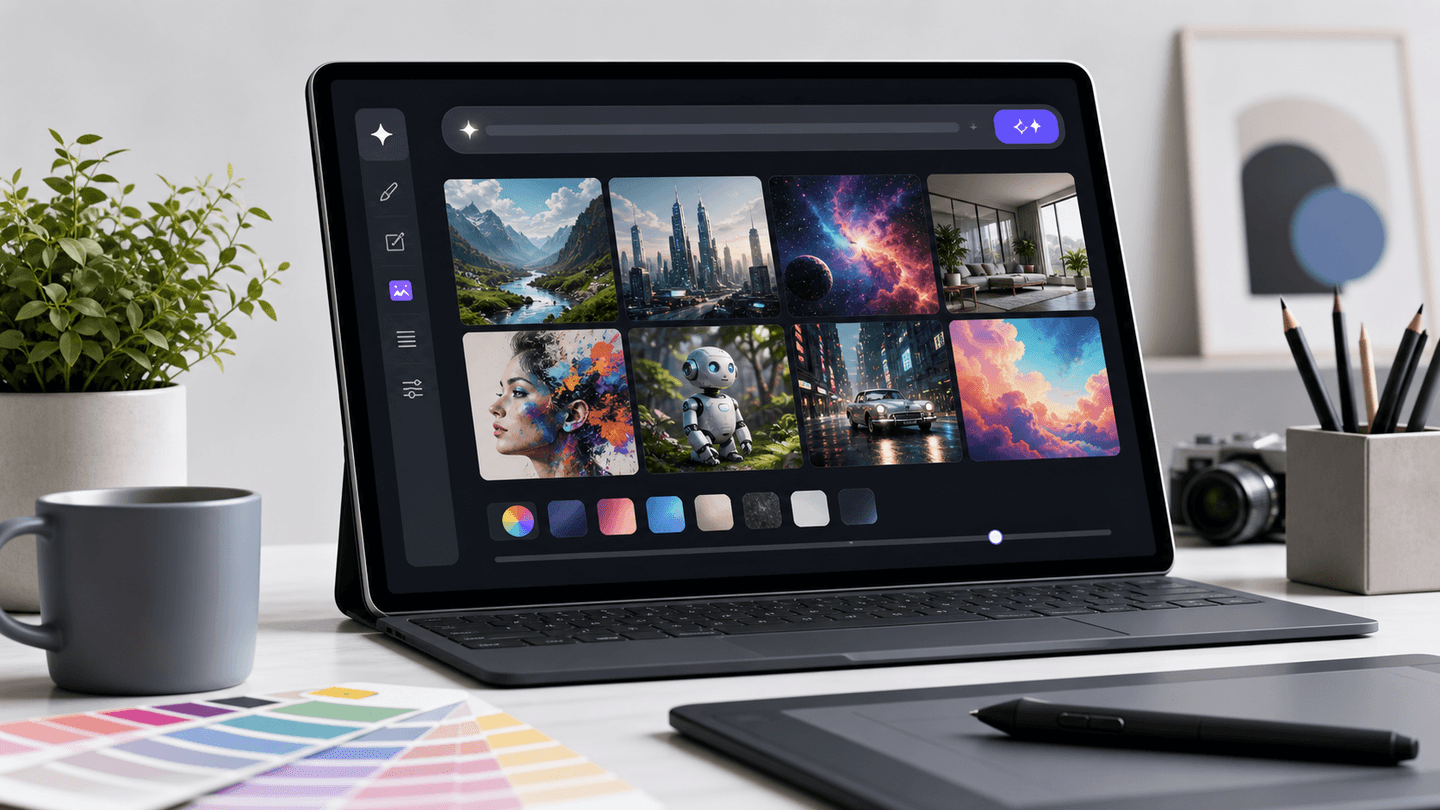
The quality of the result still depends on the prompt. A vague request such as "make an AI image" is weaker than "wide 16:9 editorial cover for an article about AI image generators, no text, bright studio lighting, grid of generated image thumbnails, clean desk".
Midjourney: best for visual direction
Midjourney remains a strong choice for aesthetics, concept art, moodboards and visuals where the first impression matters. It responds well to prompts about atmosphere, lighting, medium, composition and style.
Think of Midjourney as a creative partner for direction rather than a general-purpose design suite. It can quickly produce several strong art directions for a campaign or product idea. For precise production edits, check whether its workflow gives you enough control over details, consistency and final adjustments.
Adobe Firefly: best for creative production workflows
Adobe Firefly is interesting because it is not only about generating one image. Adobe positions Firefly around image, video and design creation, with strong ties to creative workflows.
That matters for designers and marketing teams. If the generated image needs to move into a broader production process, Firefly can make more sense than a standalone prompt playground. It is especially worth testing if your team already thinks in campaigns, brand assets, edits and design handoff.
Canva AI: best for fast marketing assets
Canva AI is useful when image generation is only one step in the job. You generate the visual, then quickly add layout, text, brand elements, presentation formatting or social media dimensions.
That makes Canva practical for marketers, educators, small businesses and teams that need speed more than maximum artistic control. It may not always win on pure visual sophistication, but it often wins when the output has to become a finished asset quickly.
Ideogram: best for text in images
Ideogram is worth testing when the image needs readable text: posters, covers, signs, packaging, labels or social graphics with a headline.
Text remains one of the hardest parts of AI image generation. Some tools can create a beautiful scene but mangle letters. Ideogram has built a strong product identity around typography and image designs that include words.
Even with a stronger text-focused generator, keep the copy short. Long paragraphs inside an image are harder to control and should be reviewed carefully before publication.
Leonardo AI and Freepik AI: consistency, variants and asset production
Leonardo AI is a good fit for creators who want more control over style, consistency and refinement. It can be useful for product mockups, visual sets, repeated styles and campaign directions that need to look like one family rather than isolated experiments.
Freepik AI is built around a broader asset workflow: multiple image models, styles, references and editing tools in one suite. That can be practical when you need many visual variants or when generated images sit next to stock-like assets and production editing.
Which AI image generator should you choose?
| Need | Best starting point | Why |
|---|---|---|
| Fast draft and conversational edits | ChatGPT Images | easy iteration through natural language |
| Strong artistic direction | Midjourney | polished aesthetics and style exploration |
| Creative production workflow | Adobe Firefly | image generation close to design workflows |
| Social graphics and presentations | Canva AI | generated visuals become layouts quickly |
| Posters or images with text | Ideogram | stronger focus on typography |
| Consistent visual series | Leonardo AI | style control and repeatable direction |
| Many variants and production assets | Freepik AI | broad generation and editing suite |
A 5-minute test before paying
Use one real task from your work and give every tool the same prompt. Include:
- Format, such as "16:9 article cover".
- Subject, meaning what should appear in the image.
- Style, such as editorial, photorealistic, 3D, minimalist or product-focused.
- Constraints, such as no logos, no readable text, no faces or bright background.
- Destination, such as website header, ad, slide deck or social post.
Then evaluate more than the first image. Check how long the revision took, whether the tool understood your feedback, whether the export is usable and whether the output can be repeated with a consistent look.
What to watch out for
AI image generation is fast, but it still needs editorial review. Be careful with:
- accidental logos, trademarks or brand-like elements;
- realistic people shown in misleading contexts;
- visuals that look like documentation of real events when they are only illustrations;
- commercial-use terms, especially on free plans;
- metadata, AI labels and the publishing rules of the platform where the image will appear.
The best AI image generator is the one that helps you ship the actual asset you need: a thumbnail, illustration, ad concept, mockup, poster or visual set. Start with the workflow, then choose the tool.
For ongoing launches and tool changes, follow our AI news and the AI tools directory. The category changes quickly, but the method stays stable: test the tool on real work, not only on demos.