AI Models
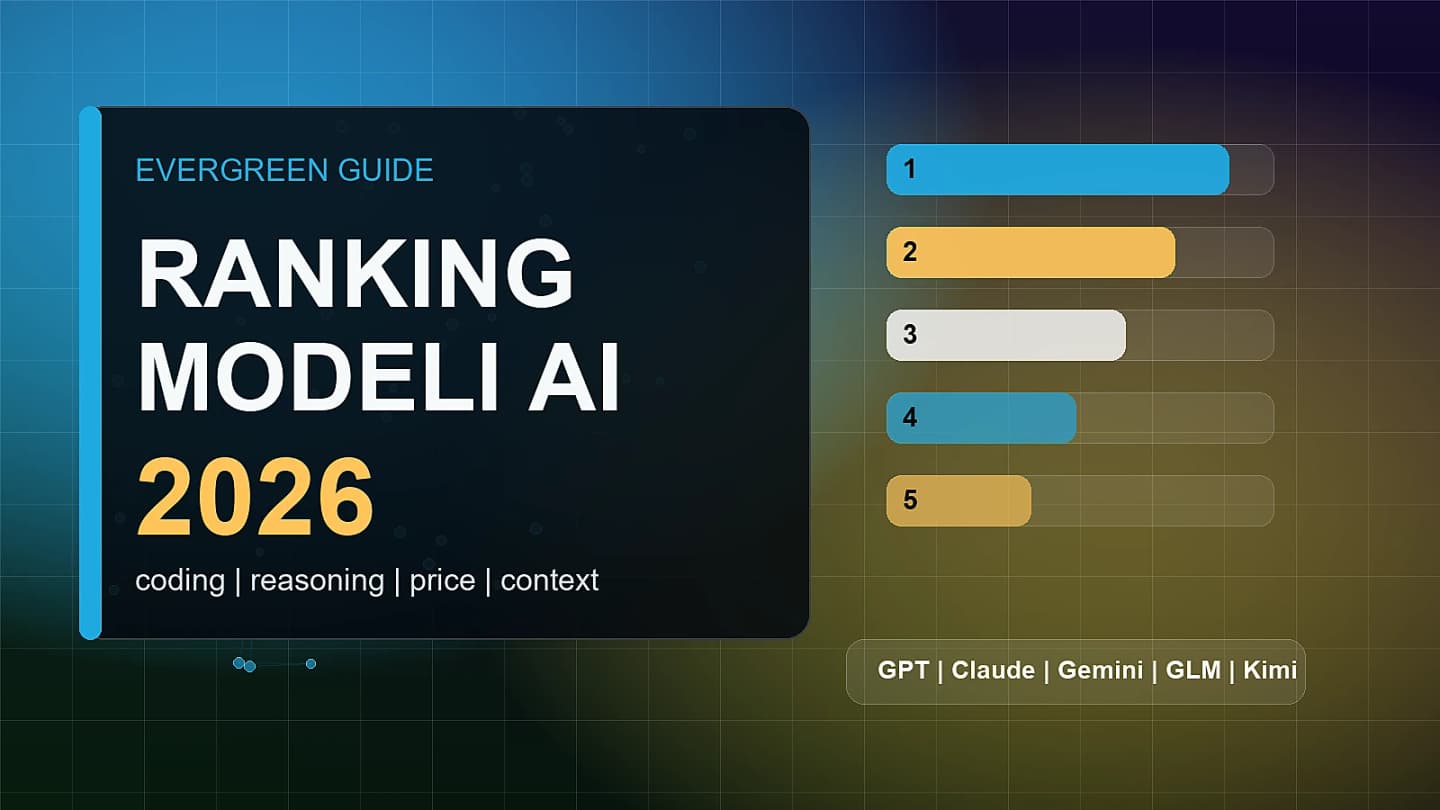
Best AI models in 2026: GPT, Claude, Gemini, GLM and Kimi ranked
An updated 2026 ranking of AI models by real use case: coding, writing, long context, price, open weights, multimodality and agentic workflows.
Best AI models in 2026: the short version
There is no single best AI model for everyone. In 2026, choosing a model is less about finding the highest score on one leaderboard and more about matching the model to the job: coding, research, document analysis, multimodal work, tool use, API cost or private deployment.
This ranking is an evergreen guide. We will update it after major model launches, pricing changes and new evaluations. If you need a quick answer today, start with the table below. If you want the reasoning, continue into the criteria and model-by-model notes.
| Category | Best starting point | Why |
|---|---|---|
| Best overall model | GPT-5.6 Sol | strongest signal across coding, science, agents and high-difficulty tasks |
| Best for long analysis and text work | Claude Opus 4.8 | strong in agentic work, reasoning and structured long-form answers |
| Best for the Google ecosystem | Gemini 3.1 Pro | natural fit for Workspace, search, multimodality and Google Cloud |
| Best open-weight / price-to-performance choice | GLM-5.2 | long context, open weights and attractive API cost |
| Best coding model at a practical cost | Kimi K2.7 Code | strong candidate for developer workflows where cost matters |
| Best model product for most users | ChatGPT with GPT-5.x routing | easiest access, broad ecosystem and many features around the model |
This is not a once-and-for-all verdict. It is a practical map of the market in 2026. Models change quickly, and the difference between them can be larger inside a specific workflow than inside a benchmark table.
How we evaluated the models
This ranking uses several criteria. We do not reward only one score from one benchmark, because that can be misleading. A model that performs well on a math benchmark may not be the best editor, and a cheap API model may be the wrong choice when each mistake costs more than the token savings.
We considered:
- reasoning quality in difficult and multi-step tasks;
- coding and agentic work, including tool use, terminal use, files and longer context;
- long-context reliability for documents and analysis;
- multimodality, including text, images, files and visual data;
- API price and availability;
- tool ecosystem, including ChatGPT, Claude Code, Codex, Google Workspace and developer integrations;
- transparency and credibility, including official system cards, company announcements and available evaluations.
The main rule is simple: the best model is the one that breaks your specific workflow the least. In real work, raw intelligence is only part of the story. Speed, cost, limits, interface, integrations and verifiability matter too.
1. GPT-5.6 Sol: best overall model
GPT-5.6 Sol is currently the strongest candidate for the top spot in the overall ranking. OpenAI positions it as a flagship model for hard tasks: coding, agentic work, science, cybersecurity and long-horizon reasoning. We covered the launch separately in our article on GPT-5.6 Sol and OpenAI's limited preview.
The important part is not just the name or the launch marketing. It is the direction. Sol is meant to run through API and Codex, which means it can be evaluated in environments where AI does not merely answer questions. It can work with code, tools and multi-step processes. That matters more than a flashy chat demo.
Best for:
- teams building AI agents;
- developers working with larger repositories;
- companies that need high-quality answers on difficult tasks;
- workflows where accuracy matters more than raw token cost.
Watch out for: availability. Sol is not yet a model every ChatGPT user can assume they have. If you are building a product, check actual access, limits and API pricing before planning around it.
2. Claude Opus 4.8: best for long work and careful analysis
Claude Opus 4.8 is the strongest candidate for work that depends on long reasoning, text quality and steady analysis. Claude has long been associated with document work, editing, argument analysis and structured answers.
In practice, Claude often wins not because it gives the flashiest answer, but because it keeps tone and structure under control. That matters for requirements, documents, contracts, notes, strategy and longer editorial tasks.
Best for:
- people working with long documents;
- editors, analysts and consultants;
- teams that prefer a calmer answer style;
- tasks where structure and consistency matter.
Watch out for: the product surface. If your work is heavily tied to code, files and automation, evaluate not only the model but also Claude Code, API limits, integrations and workflow fit.
3. Gemini 3.1 Pro: best for the Google ecosystem
Gemini 3.1 Pro is the natural choice for users and companies already working in Google Workspace, Docs, Gmail, Sheets, Search and Google Cloud. In an overall ranking, it may not always beat GPT or Claude, but inside the Google ecosystem its practical advantage is obvious.
An AI model does not operate in a vacuum. If answers need to land inside documents, emails, spreadsheets, presentations and business processes, integration can matter more than a small benchmark gap. That is why Gemini should be evaluated as part of a platform, not only as a standalone model.
Best for:
- companies using Google Workspace;
- teams working with documents, slides and spreadsheets;
- users who want AI close to search and multimodal workflows;
- organizations that prefer one cohesive ecosystem over a stack of separate tools.
Watch out for: developer-specific tasks. If you need autonomous coding agents or custom tool-heavy workflows, compare Gemini directly against GPT-5.6, Claude and open-weight alternatives on your own tasks.
4. GLM-5.2: best open-weight and price-to-performance option
GLM-5.2 is one of the most interesting model releases of 2026 because it combines long context, open weights and a cost profile that can appeal to teams building their own AI workflows. We covered it in more detail in our article on GLM-5.2 as a cheap and powerful AI model.
Its biggest strength is not necessarily winning every benchmark. It is the combination of strong quality, availability outside one closed platform and more control over deployment. For companies, that can reduce dependency on one vendor. For technical teams, it creates more room for experimentation.
Best for:
- teams building custom AI systems;
- companies that want more deployment control;
- long-context workloads;
- users comparing token price against practical answer quality.
Watch out for: open weights do not make deployment easy or free. Self-hosting a large model requires infrastructure, monitoring, security and expertise. If you use an API, you still need to test limits, stability and language quality.
5. Kimi K2.7 Code: strong candidate for coding
Kimi K2.7 Code is worth watching for developers and teams looking for strong code performance at a practical cost. In 2026, coding is one of the main battlegrounds for AI models. The task is no longer just generating a function. It is working with repositories, debugging, tests, terminals and longer-running changes.
Kimi is interesting because it does not need to be the best model overall to be useful. If it delivers strong coding quality at a lower cost, it may be more practical than a more expensive flagship model for many developer workflows.
Best for:
- developers comparing code-focused models;
- teams trying to lower the cost of programming tasks;
- tools that perform many small operations on code;
- users testing alternatives to GPT and Claude.
Watch out for: coding quality is not only a benchmark. Test the model on your own repository: whether it understands project structure, preserves style, fixes errors after tests and admits uncertainty.
6. ChatGPT, Claude and Gemini as products, not just models
AI model rankings often fail because they confuse models with products. ChatGPT, Claude and Gemini are not just model names. They are work environments: interfaces, files, search, memory, tools, apps, subscriptions, integrations and limits.
For many users, choosing the product is easier than choosing the underlying model. If you want one tool for writing, data analysis, brainstorming, drafting and everyday questions, ChatGPT may be the simplest place to start. If your work is document-heavy, Claude may feel more natural. If your company lives in Google Workspace, Gemini may win through integration.
For a focused comparison of those three ecosystems, see our guide to ChatGPT vs Claude vs Gemini.
Ranking by use case
The table below is more useful than one universal ranking. Pick the job first, then the model.
| Use case | First choice | Alternatives |
|---|---|---|
| Hardest agentic tasks | GPT-5.6 Sol | Claude Opus 4.8, GLM-5.2 |
| Long documents and editing | Claude Opus 4.8 | GPT-5.6 Sol, Gemini 3.1 Pro |
| Everyday personal work | ChatGPT | Claude, Gemini |
| Coding and repository work | GPT-5.6 Sol | Claude Opus 4.8, Kimi K2.7 Code |
| Best price-to-performance | GLM-5.2 | Kimi K2.7 Code, GPT-5.6 Terra |
| Google ecosystem | Gemini 3.1 Pro | ChatGPT, Claude |
| Open weights and deployment control | GLM-5.2 | other open-weight models depending on infrastructure |
| Multimodality and image-heavy work | Gemini 3.1 Pro | GPT-5.x, Claude |
| High quality at lower cost | GPT-5.6 Terra | GLM-5.2, Kimi K2.7 Code |
| High-volume automation and routing | GPT-5.6 Luna | cheaper open-weight models |
How to choose an AI model for your own work
The best test is not asking one hard question. Build a small benchmark from your own work. Choose five tasks you actually perform and compare models side by side.
A simple test:
- Give each model one long document and ask for a risk-focused summary.
- Provide a real code snippet with a bug and ask for diagnosis.
- Ask for a text in a specific style.
- Check whether the model admits missing information.
- Compare cost and response time across repeated runs.
Record the results in a small table: quality, number of corrections, time, cost and usefulness. After this, the "best model on the internet" may not be the best model for your work.
The common mistake: choosing by benchmark alone
Benchmarks are useful, but limited. They test specific tasks. Results can depend on prompts, tools, limits and evaluation methods. A model can look excellent on a benchmark and still be average in your language, tone, data type or workflow.
Treat benchmarks as filters, not verdicts. If a model performs poorly in an area that matters to you, that is a warning sign. If several models are close, practical factors decide: price, interface, integrations, privacy, stability and ease of verification.
Our current overall ranking
As of June 28, 2026, we would rank the models like this:
- GPT-5.6 Sol - best overall for the hardest tasks, if you have access.
- Claude Opus 4.8 - best for long analysis, text and careful reasoning.
- Gemini 3.1 Pro - best when you work inside the Google ecosystem.
- GLM-5.2 - best open-weight model and strong price-to-performance pick.
- Kimi K2.7 Code - very interesting for coding and developer workflows.
- GPT-5.6 Terra / Luna - less flashy, but potentially crucial for production model routing.
This ranking will change. AI models move too quickly for any order to stay fixed. A strong AI strategy is not blind loyalty to one brand. It is knowing which model to use for which task, and when it is time to switch.
Related news and analysis

Claude Opus 5 gets close to Fable 5 at half the price
Claude Sonnet 5: Anthropic's new model for agents and Claude Code

Cheap Chinese AI models are getting stronger. Should OpenAI and Anthropic worry?